 Back to Work
Product design / Design engineering
InkVein
- Role
- Founder / Product Designer / Design Engineer
- Discipline
- Product design / Design engineering
- Stack
- React Native, TypeScript, Tamagui, Django, Python
Project imagery
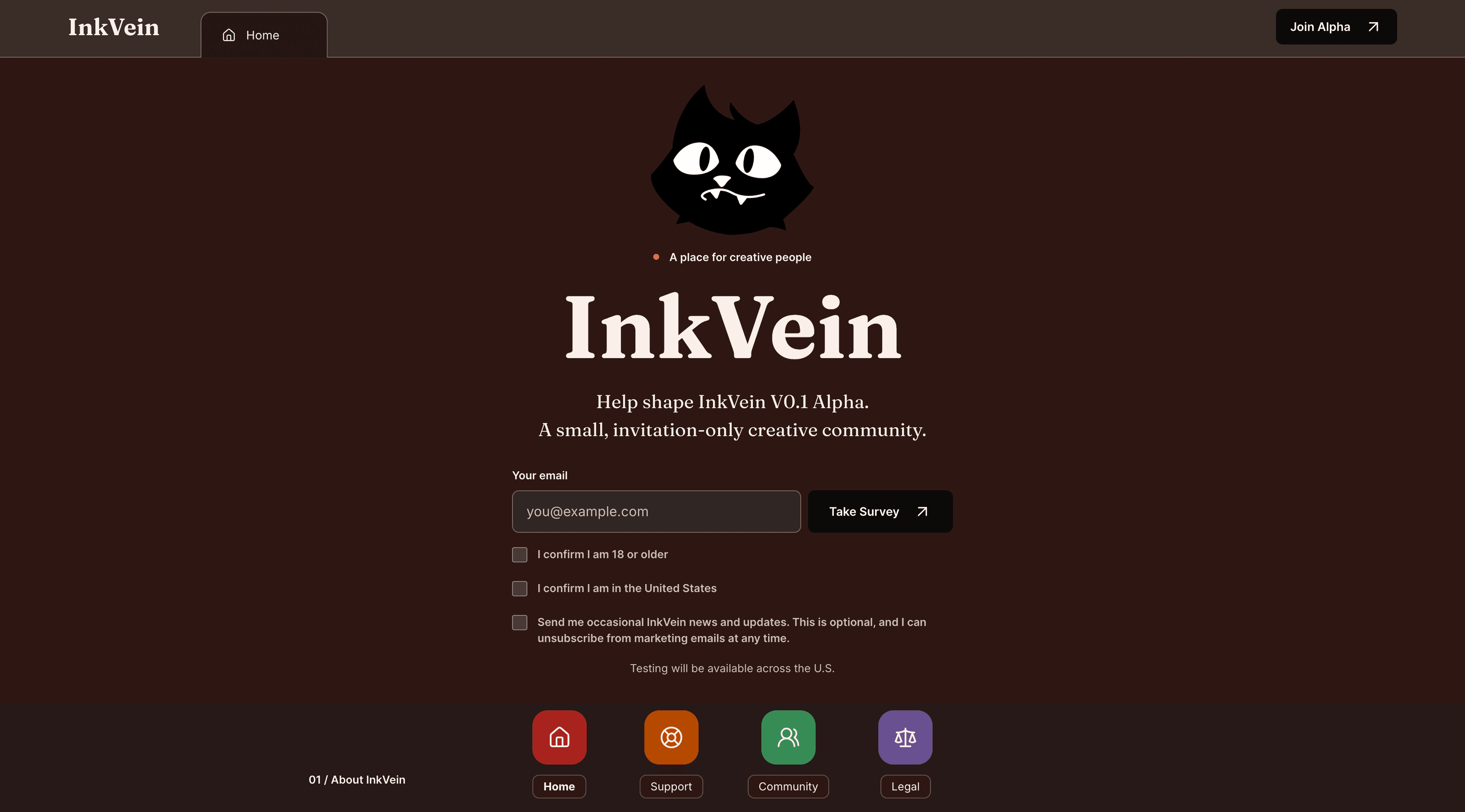
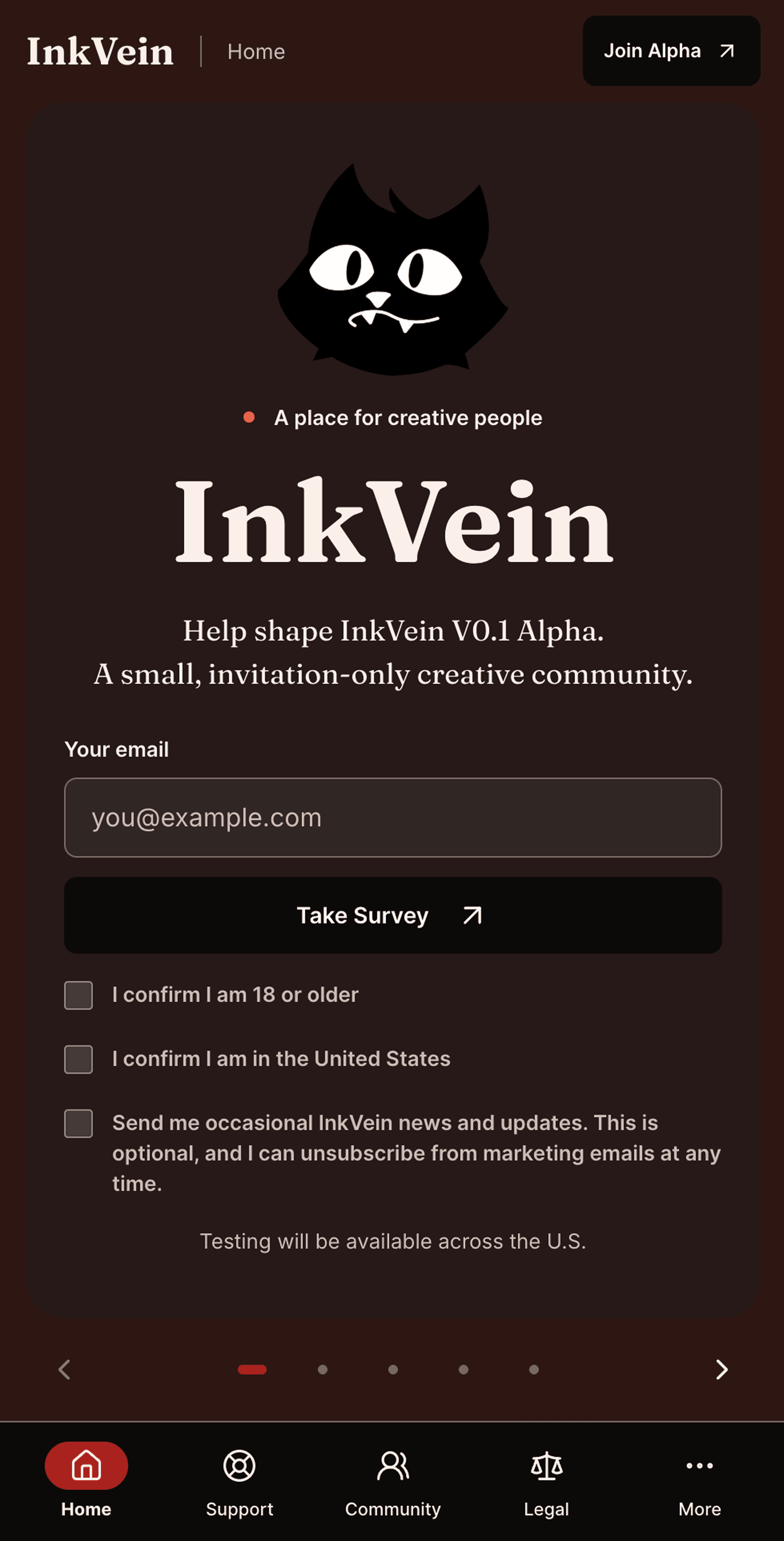
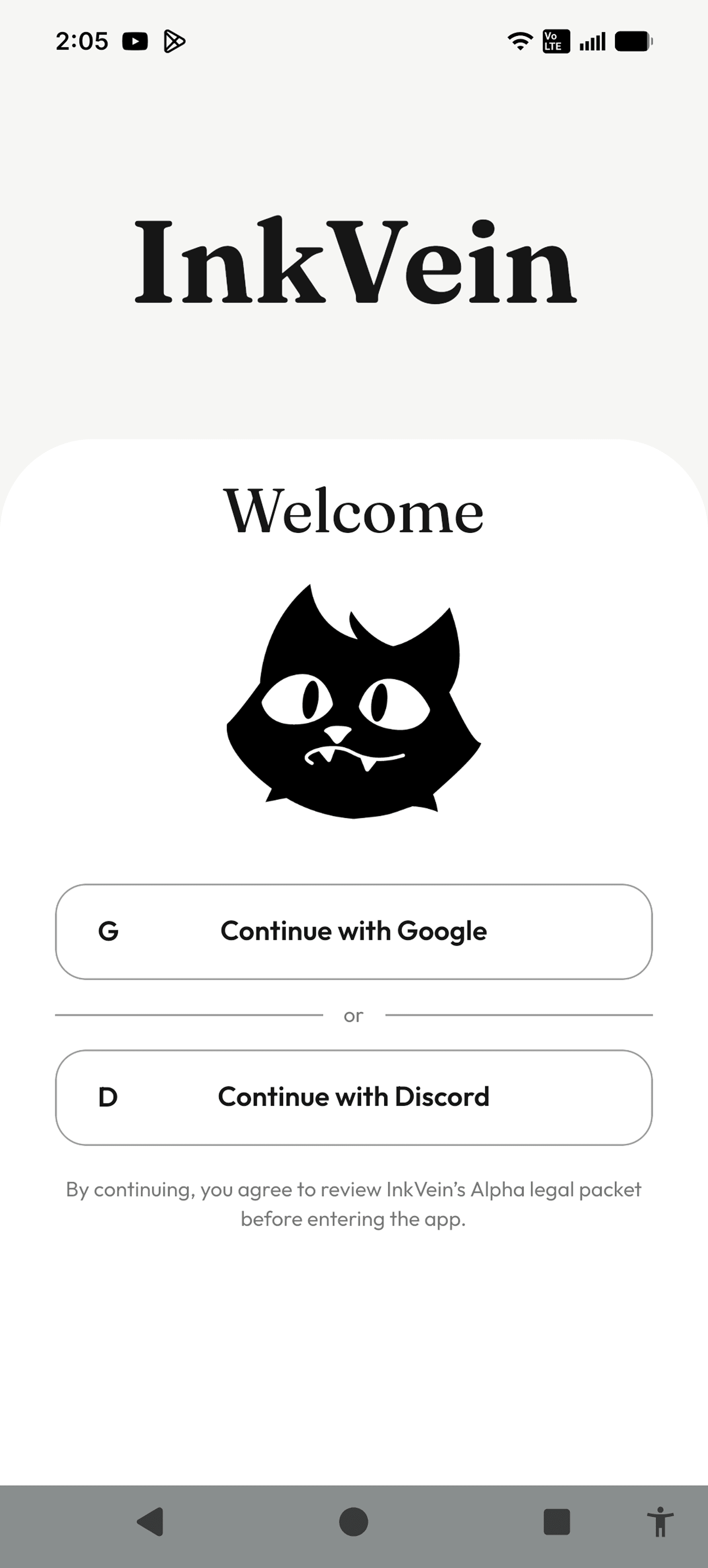
01 / Origin
What problem was worth carrying forward?
InkVein began with InkIdea, a creative club I started while attending Mt.San Antonio college. The club eventually fell through because of a combination of difficult club requirements and leadership decisions that I would’ve definitely handled differently today.
Rather than abandoning the idea behind it, I carried the part I cared about most into InkVein, “creating a place where creatives can find one another, collaborate, and build opportunities together”.
That history also changed how I approached my product. InkVein was not only an interface problem. I wanted to think about the systems underneath a community, including how people earn trust, how moderation works, and what happens when those systems hit their bottleneck.
02 / Cross platform architecture
Why share a codebase without treating devices as identical?
InkVein is built with React Native, Tamagui, and a Django backend.
I chose React Native so Android and iOS could share a primary application codebase instead of requiring two independently maintained clients.
Shared code, however, does not mean identical devices. iOS and Android each need platform modules for their own OS specific logic. One of the lessons from development has been that cross platform “equity” requires intentionally accounting for native differences.
Android system navigation and device geometry can change how the same interface behaves, especially around safe areas, cutouts, cameras, and keyboards. My goal became feature and experience balance rather than “pixel for pixel sameness”.
When a platform specific problem appears, I like to document the behavior and add the lesson or post mortem to the development guidance I use with my AI tooling so later work considers the same constraint instead of rediscovering it.
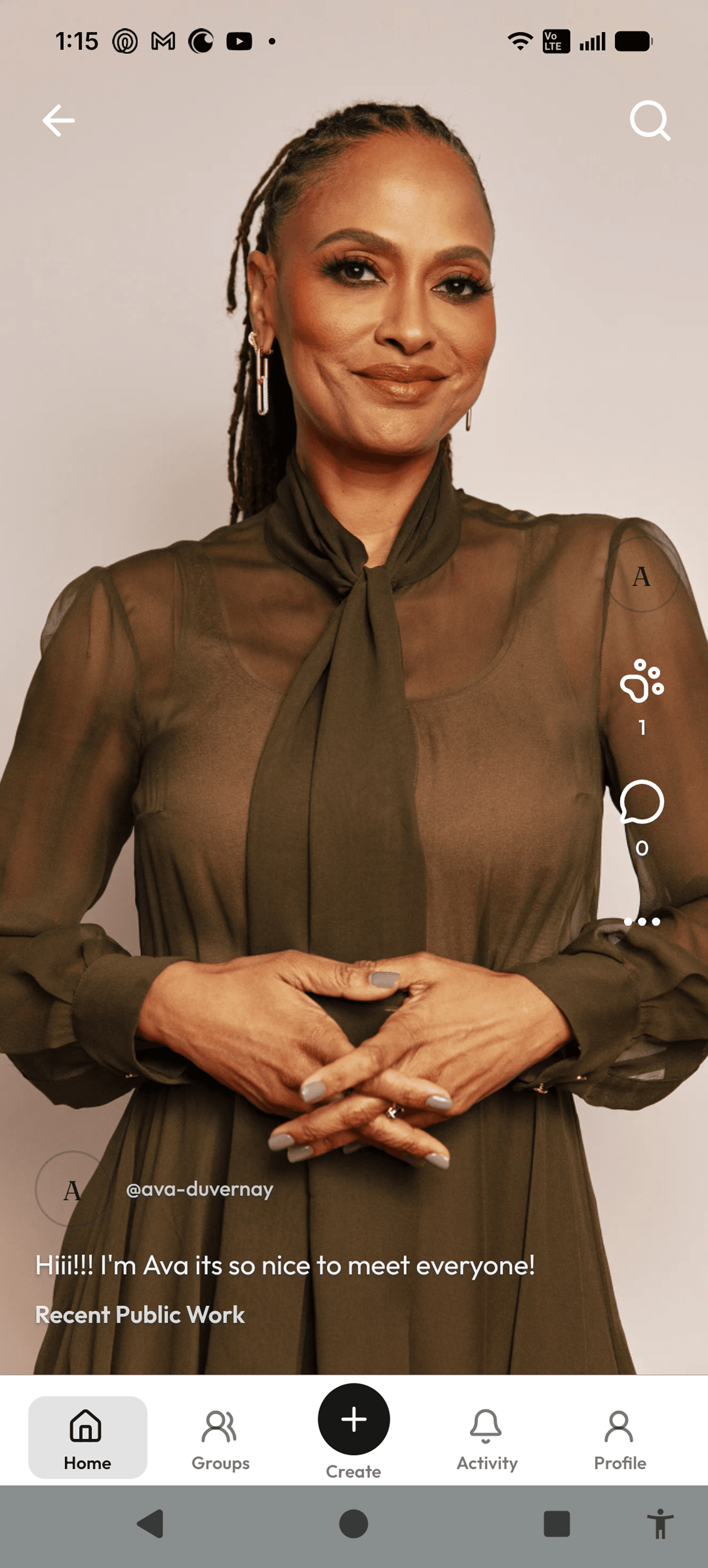
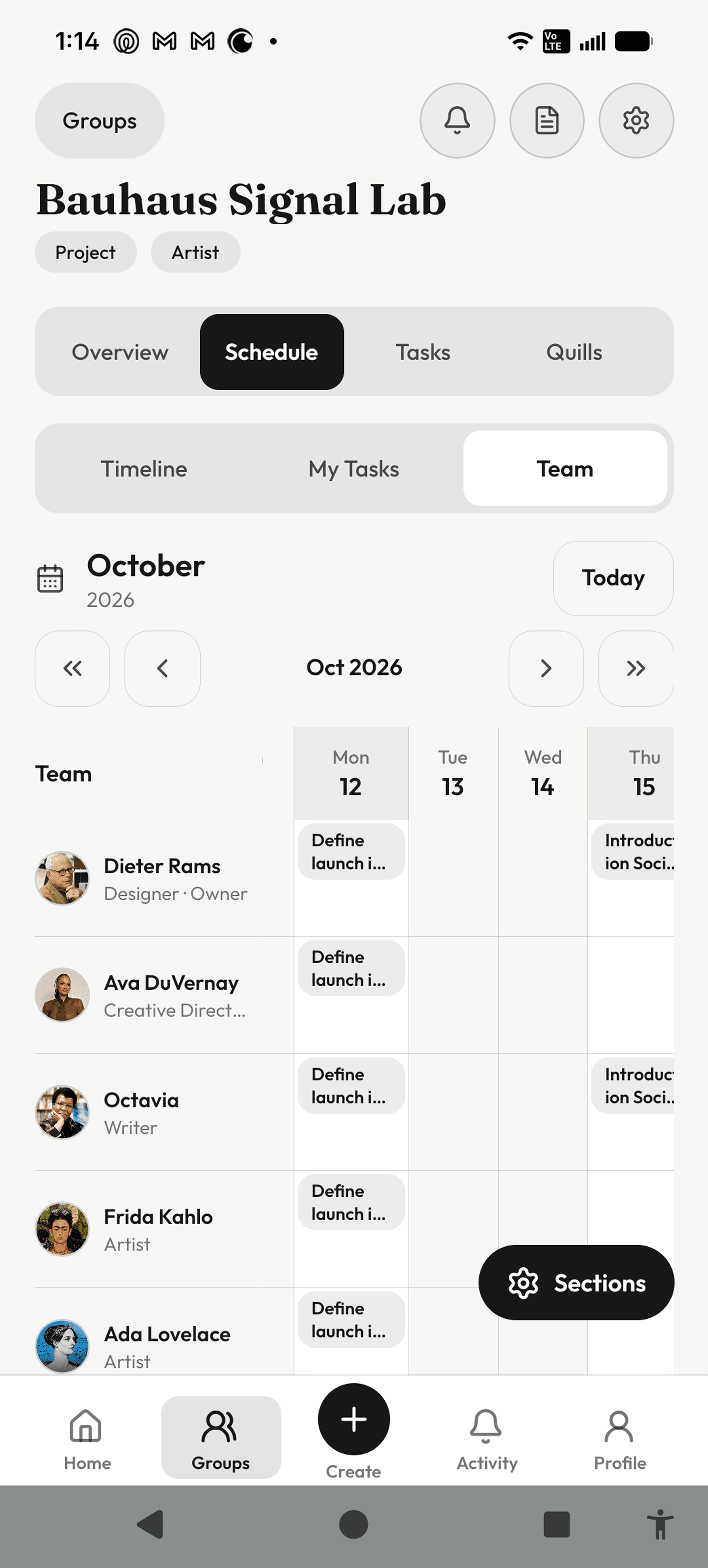
Mobile product surfaces
03 / Moderation and privacy
How can moderation provide authority without unnecessary access?
Moderation quickly became one of the more complicated systems in InkVein.
Social platforms need ways to respond to abuse and legal risk, but those same tools can create privacy problems when they expose more user information than a moderator actually needs.
Before building the moderation interface, I worked through more than 100 moderation related product and design decisions. Three principles became especially important:
- A moderation case should expose only the information necessary to evaluate that case.
- Access to additional private information should not be granted simply because someone has a moderator role. It “needs” to have a defined reason and authority.
- A moderation response should provide room for a moderator note so an affected user could understand that a human reviewed or approved the decision.
04 / Moderator workspace
What did a moderator actually need during Alpha?
I started with a mobile moderation experience rather than a separate desktop administration product. The goal was to keep routine moderation accessible while reducing the complexity of maintaining another completely different interface.
The initial set was intentionally bounded:
- Assigned tickets
- Moderation history
- Invite and join access
- Moderator profile
- Moderation guidance
- Legal or policy agreements required before receiving moderation privileges
05 / Implementation
How did the workspace remain part of the same product?
Instead of creating an unrelated second application, I reused InkVein's existing interface patterns and adapted them for moderator's responsibilities. This helped keep the product familiar while still separating moderator capabilities from ordinary user capabilities.
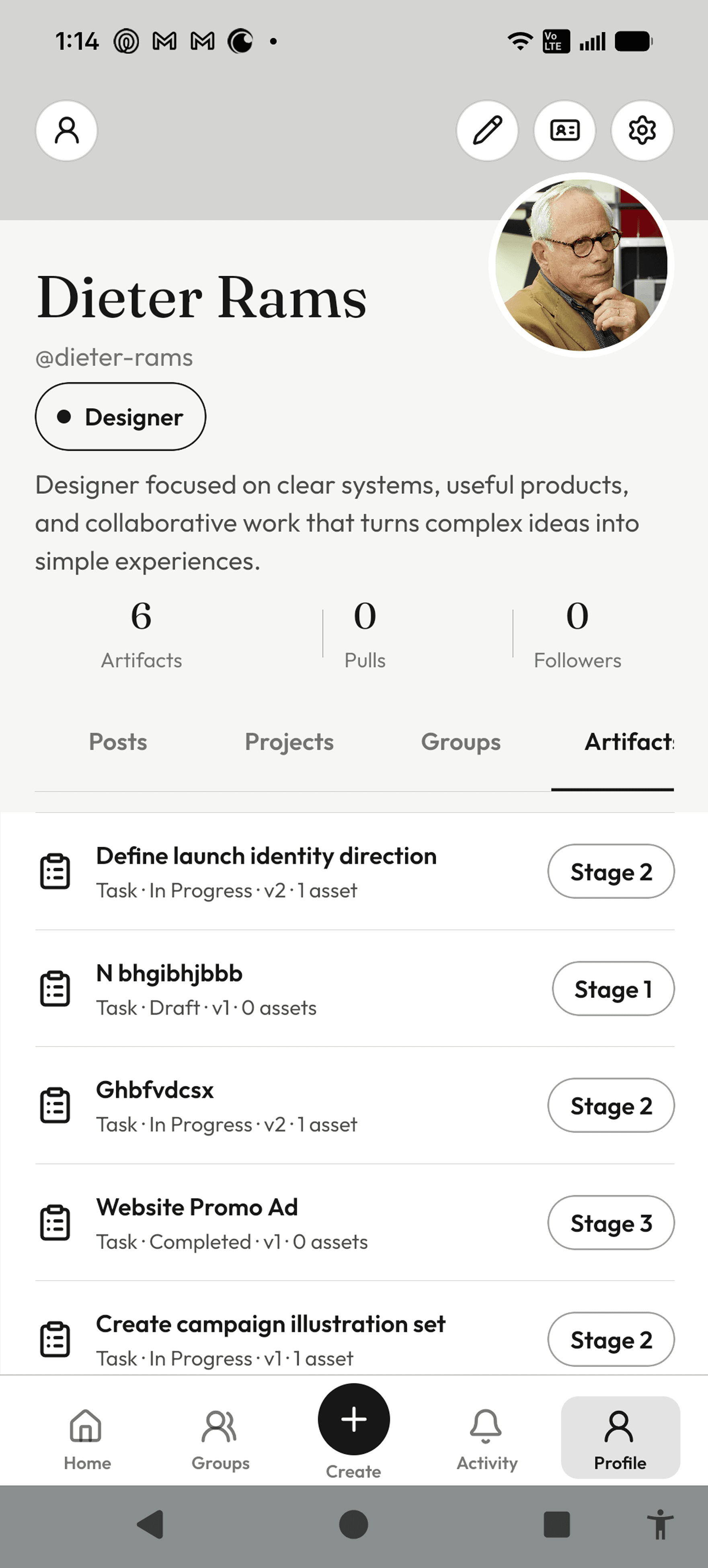
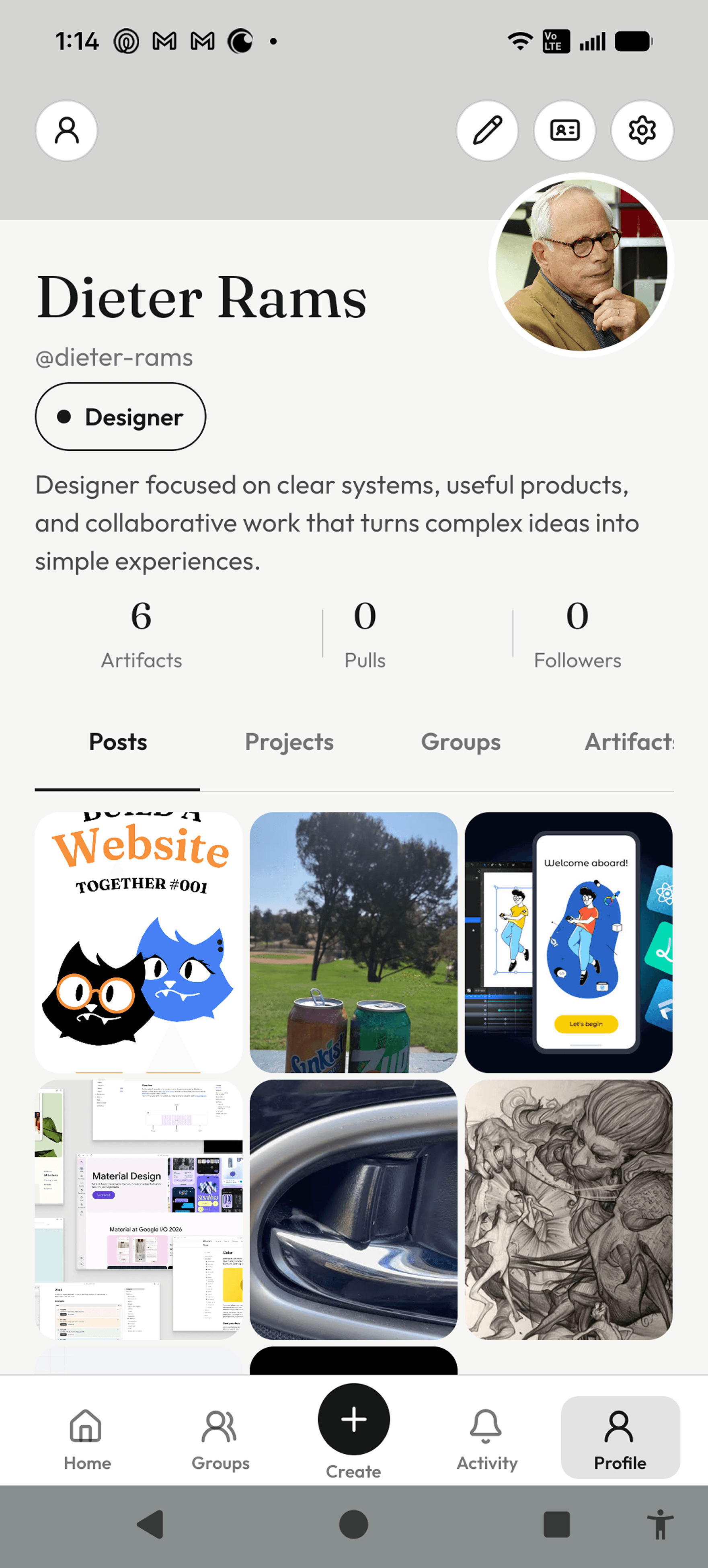
Shared creator profile patterns
06 / Shared interface system
How did repeated interface states become reusable structure?
As InkVein grew, solving the same state separately on every screen would have made the product harder to change and easier to break. I started treating repeated behavior as shared product structure instead of a collection of one off fixes.
Problem
Profile views, account states, navigation, and long running actions needed to stay understandable across different parts of the app.
System decision
I moved repeated layout and state behavior into shared patterns so each screen could use the same rules instead of interpreting them again.
Implementation
The patterns were implemented in React Native and TypeScript, then adapted when Android and iOS required different platform behavior.
Validation
I reviewed the implementation with automated checks and tested important interaction behavior on physical devices.
Result
The interface became more consistent across states, and later changes had a clearer shared place to live.
07 / Upload state without blocking the user
How could media keep uploading without trapping the user in the creation flow?
Real upload sequence
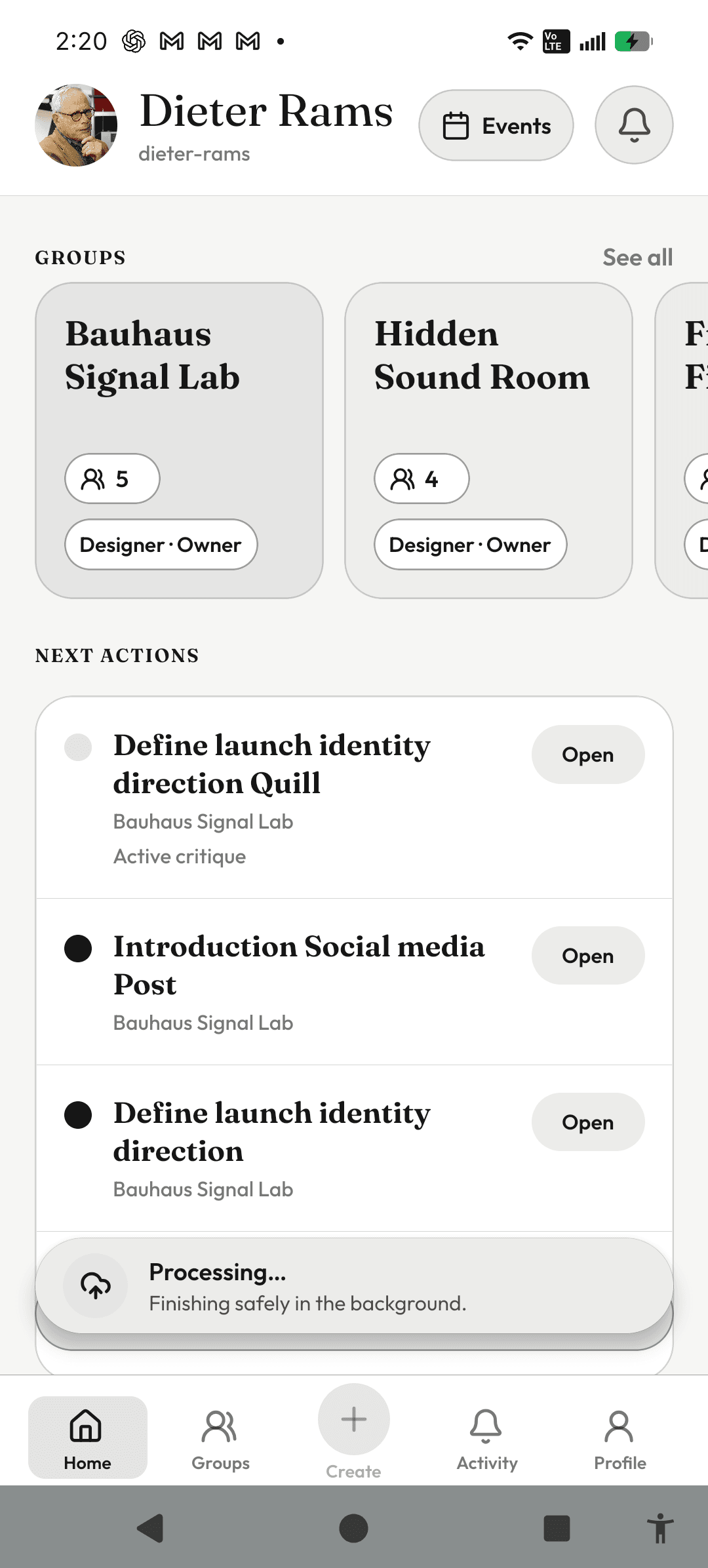
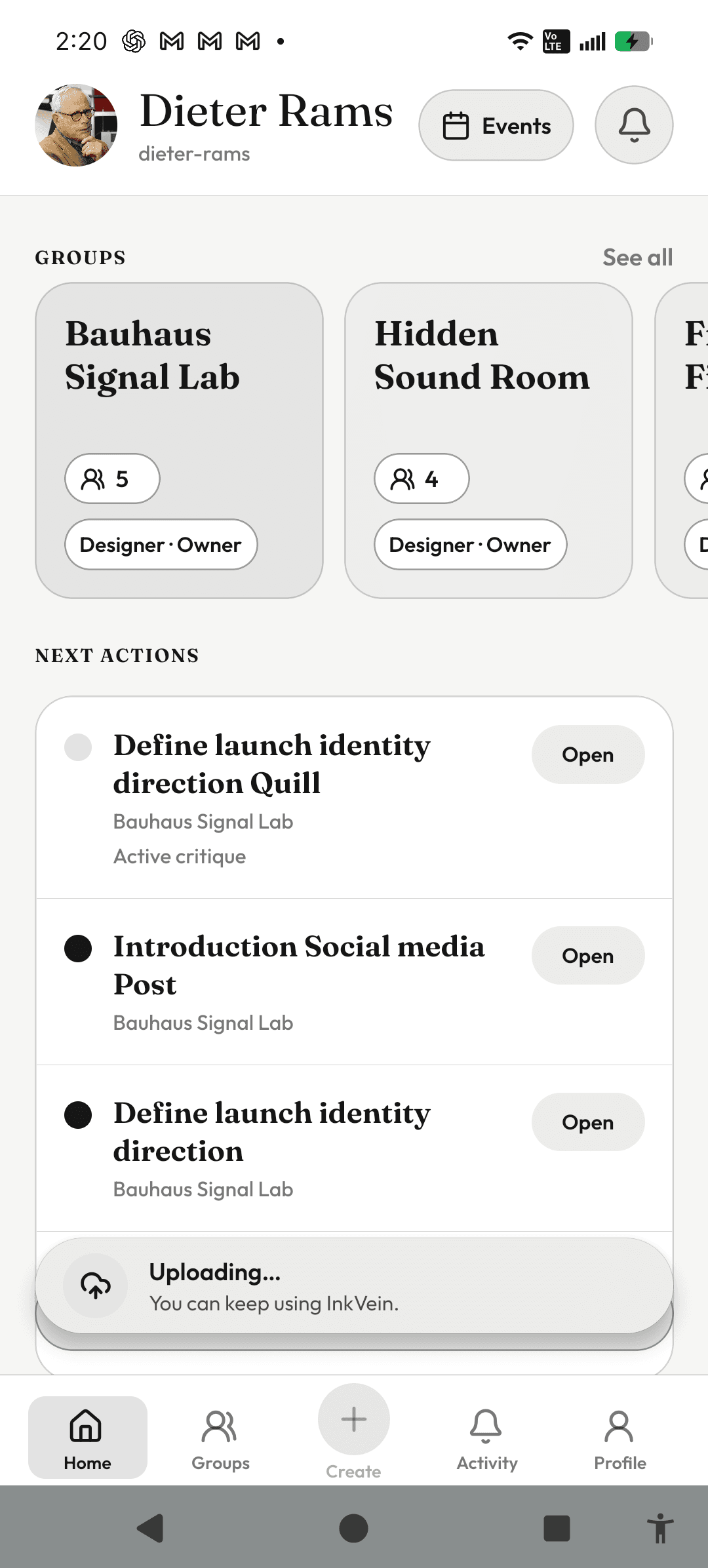
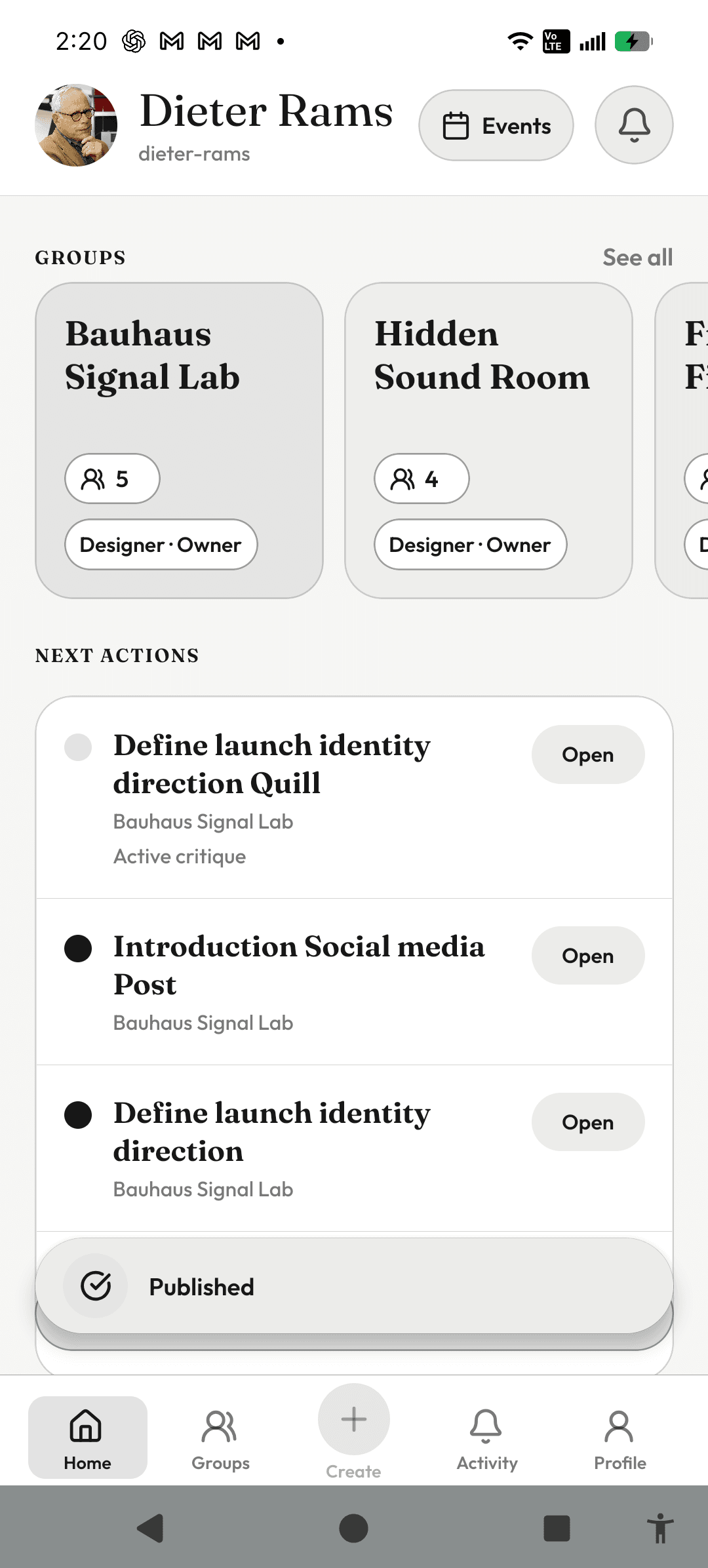
Uploading media can take long enough that forcing someone to stay on one screen would slow the rest of the product down. I wanted the upload state to remain visible without turning it into a blocker. The result was a persistent status surface that lets the user keep moving through InkVein while still understanding what is happening, whether the upload is processing, still uploading, or already published.
08 / Selected postmortems
What did these failures change?
These are examples where a failure changed a later product or engineering rule. I try to keep those lessons visible so the next pass starts with what the project already learned.
Admin actions
Ban Review
Platform Admin queue for accounts that reached the current Ban Review threshold.
Sample Creator
Pending Review
sample-reference
- Review reference
- sample-reference
- Active violations
- 3
- Trigger
- Ban Review threshold
- Open appeals
- 0
- Entered
- Sep 30, 2026
- Latest activity
- Sep 30, 2026
09 / Selected postmortem
Ban Review Foundation
The hosted moderation flow had to support a full path from case preview to human review and then to a final decision. The hard part was not one broken component. Different system boundaries could disagree about the same case.
What broke
The review path had to move from candidate, to case preview, to review, then toward a final decision. The fragile parts were spread across the workflow.
Why
A workflow can look correct at the component level and still fail when auth, state authority, navigation, or target specific behavior interact.
What changed
I started treating the hosted review path as one system to prove, not as separate screens that happened to render correctly.
What I carried forward
Prove the full hosted workflow before trusting an authority heavy surface.
Real drag interaction evidence
10 / Selected postmortem
Group V0.2 Drag Interaction
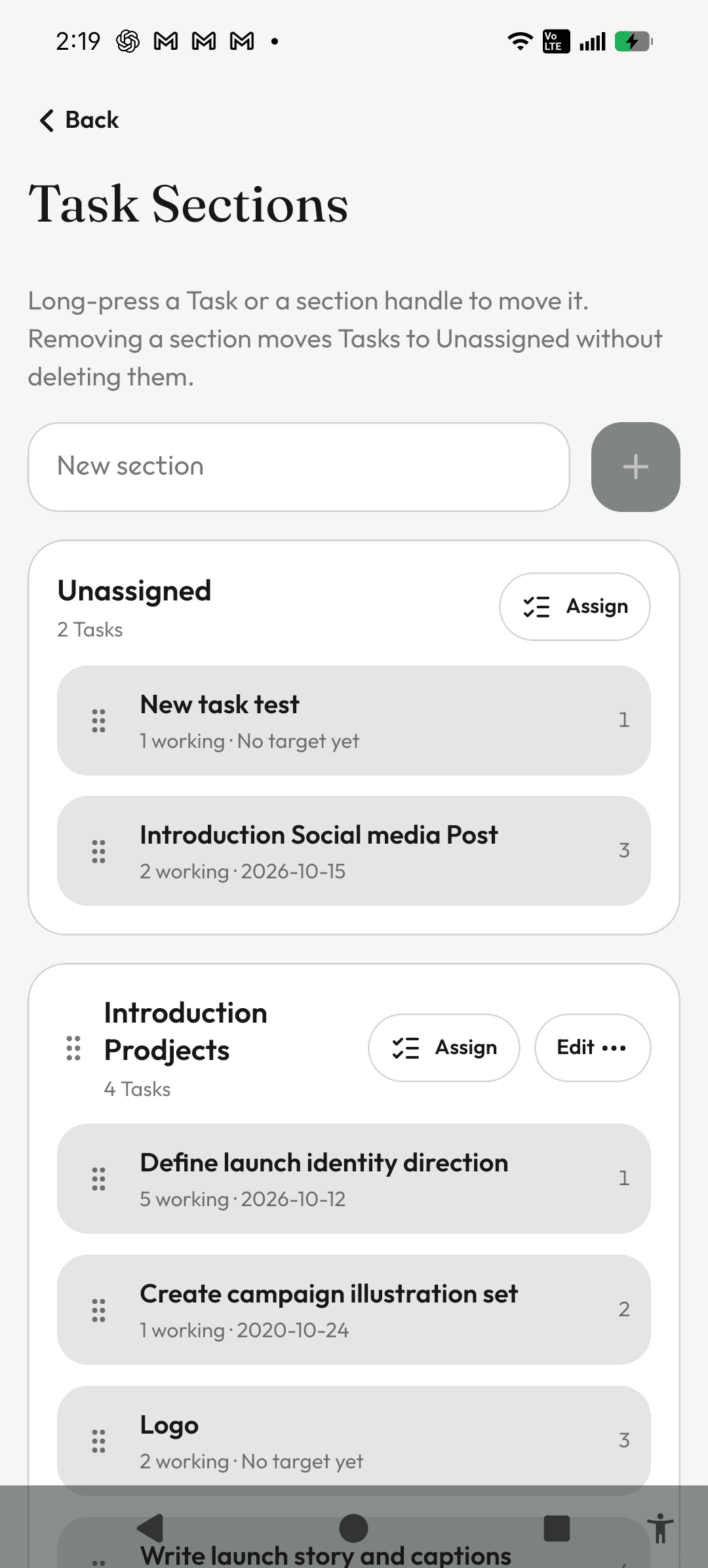
This became one of the clearest interaction design lessons in InkVein because automated geometry checks passed while the real touch interaction still failed on device.
What broke
The drag looked right in static validation, but during real use the gesture could release, cancel, or freeze while the finger was still down.
Why
The element that owned the gesture was not structurally stable for the full lifetime of the touch. The source row could be replaced while it was still responsible for the interaction.
What changed
The repair kept the gesture owner stable and separated the real render tree from projected drop behavior and the floating drag visual.
What I carried forward
Gesture heavy mobile interfaces need physical device validation. Static proofs can guard the math, but they cannot prove touch ownership by themselves.
Task authority and Artifact projection
11 / Selected postmortem
Task Artifact Snapshot Architecture
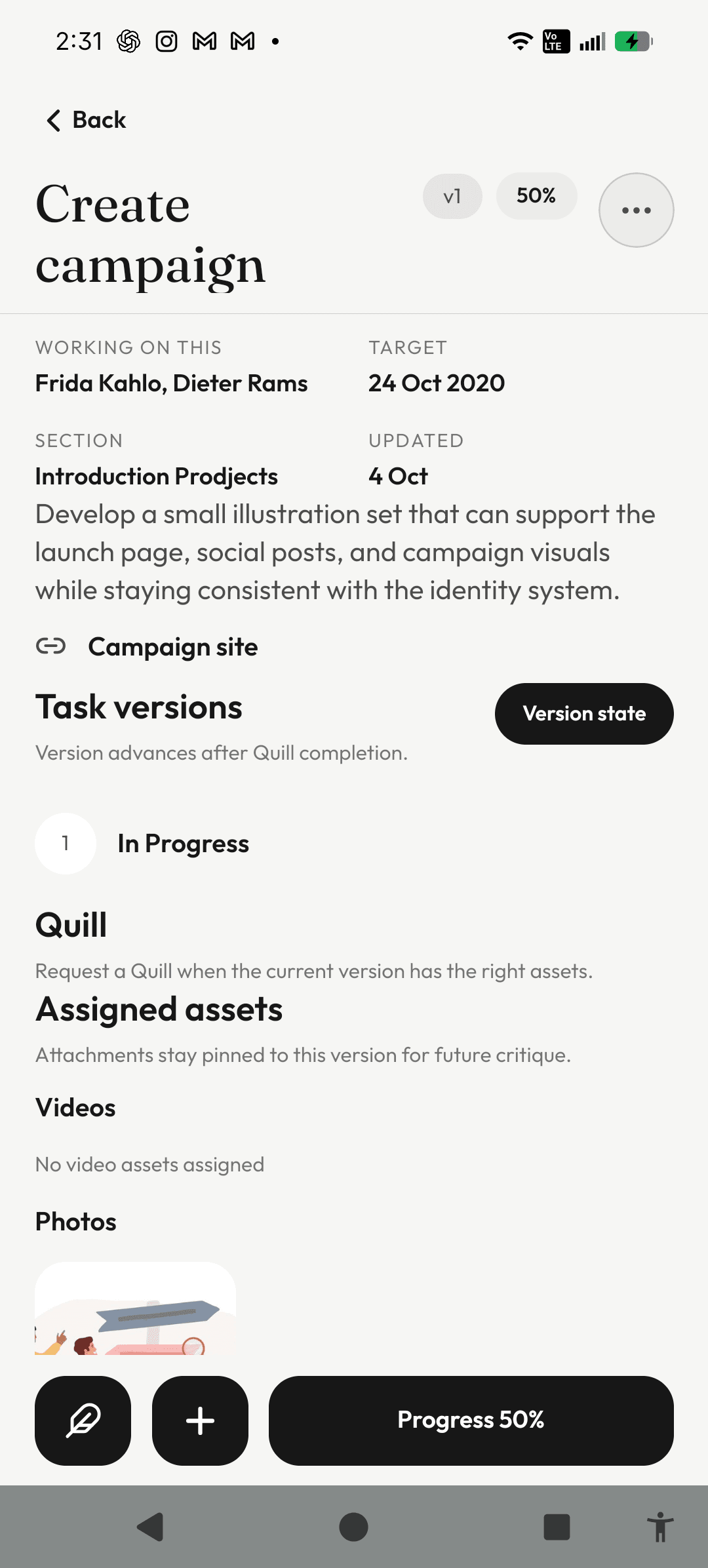
The Artifact work forced a clearer boundary between the workflow that owns mutable task state and the surfaces that preserve or present historical state.
What broke
Artifact presentation and task version authority were becoming too coupled, which created room for historical representation to disagree with the current workflow.
Why
Artifacts are useful because they preserve context, but they should not become a second mutable source of truth for task or version state.
What changed
Task and version state stayed authoritative while Artifact became a projection of that workflow and a preserved snapshot of completed work.
What I carried forward
The workflow that owns the action should own mutable state. Derived surfaces should represent that state instead of competing with it.
12 / AI assisted development workflow
How does project knowledge stay reusable?
I use AI as part of the development workflow, but I try not to let every session start from zero.
When a platform difference, accessibility issue, or regression changes how I think about the product, I turn that lesson into project guidance. Later AI assisted work receives the constraint instead of rediscovering the same failure by accident.
The important part is that the lesson is not only fixed once. It becomes reusable project knowledge while product decisions and final verification stay human controlled.
Postmortem
↓
Project rule
↓
Later agent guidance